



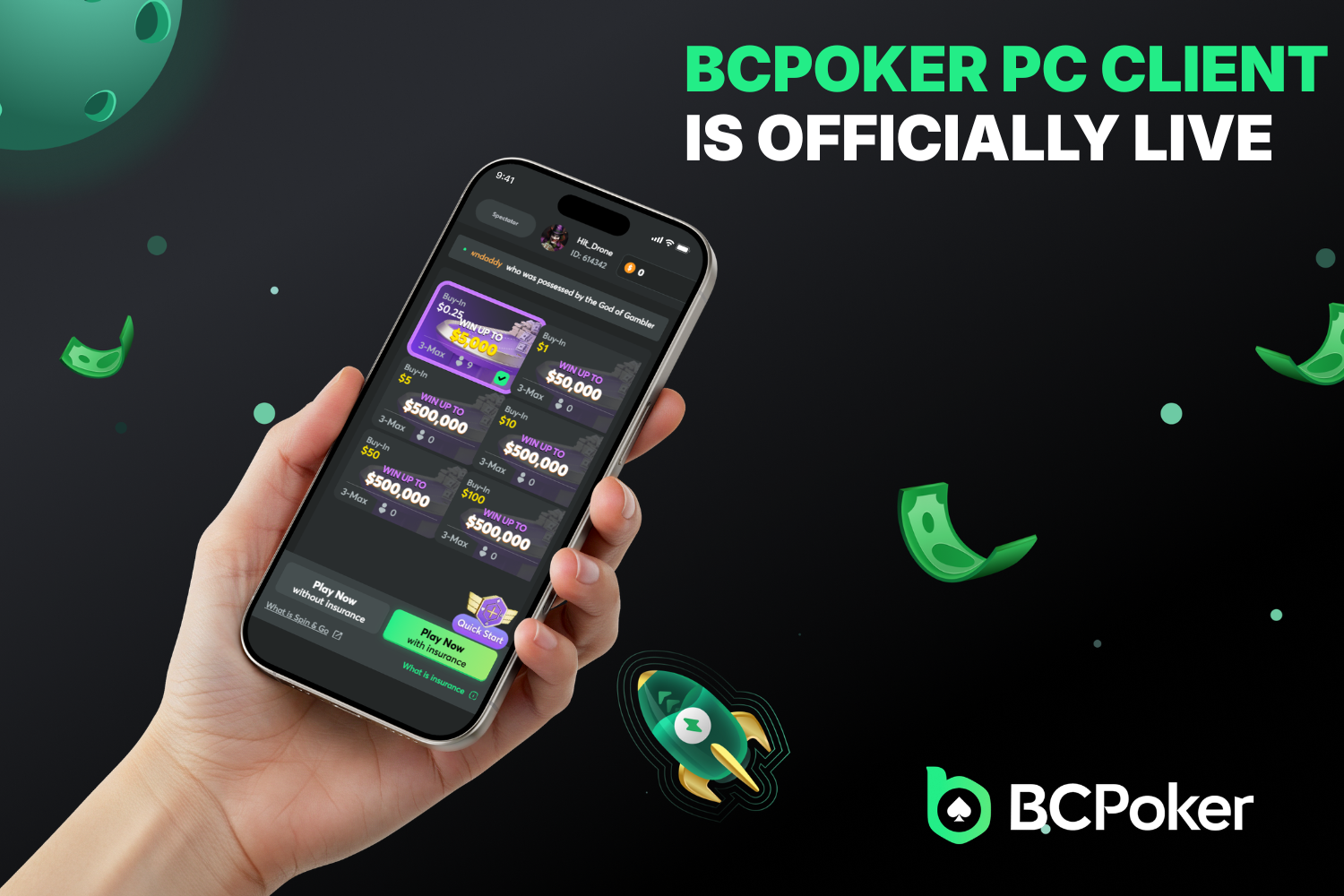
BCPoker has rolled out its own desktop application for Windows and Mac. The new BC Poker PC client gives players a proper standalone program instead of relying on the browser. Cash games, tournaments and the rest of the lobby now run inside a dedicated window built for everyday use at the computer.
4-Table Multi-Tabling with Auto-Tile
You can open up to four tables at once. The BC.Poker PC version comes with Auto-Tile that lines the tables up automatically across the screen. No more dragging windows around by hand. Everything stays neat and readable so you can keep track of action without losing focus when several games run together.
Faster, Smoother, & Superior Stability
The client feels noticeably quicker and more reliable than browser play. Lag drops, tables stay responsive even when the network is busy, and the whole session runs cleaner for longer stretches. Small improvements to table graphics, sound and system load make multi-table sessions less tiring.
Seamless Cross-Platform Play
The BC.Poker PC client works side by side with the mobile app. Start a multi-table session on the desktop and switch to your phone later without missing hands or losing progress. Balances, tournament status and history stay in sync so the same account moves with you from one device to the other.
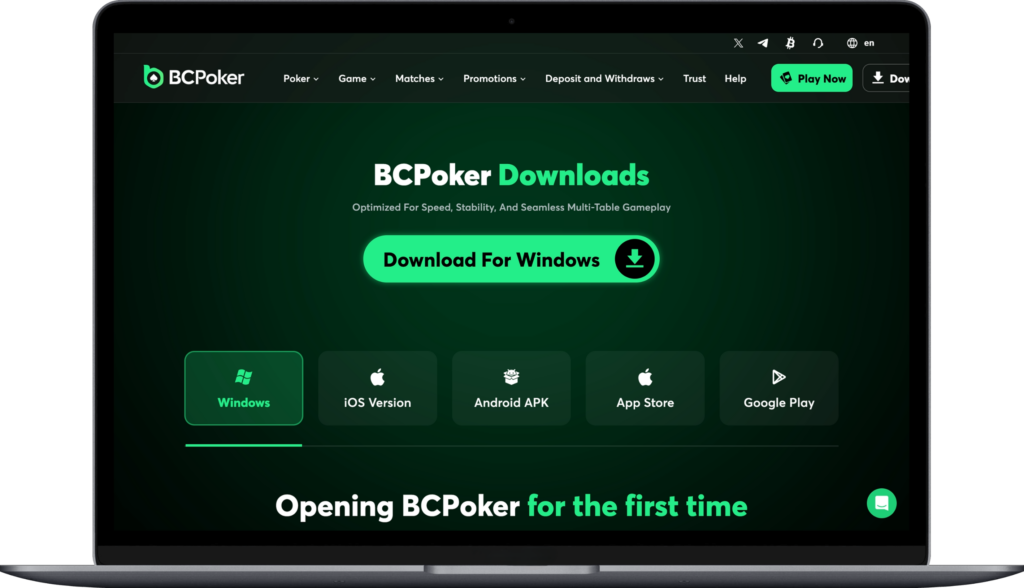
Download the PC Client Now
Getting the client takes three simple steps for both Windows and Mac:
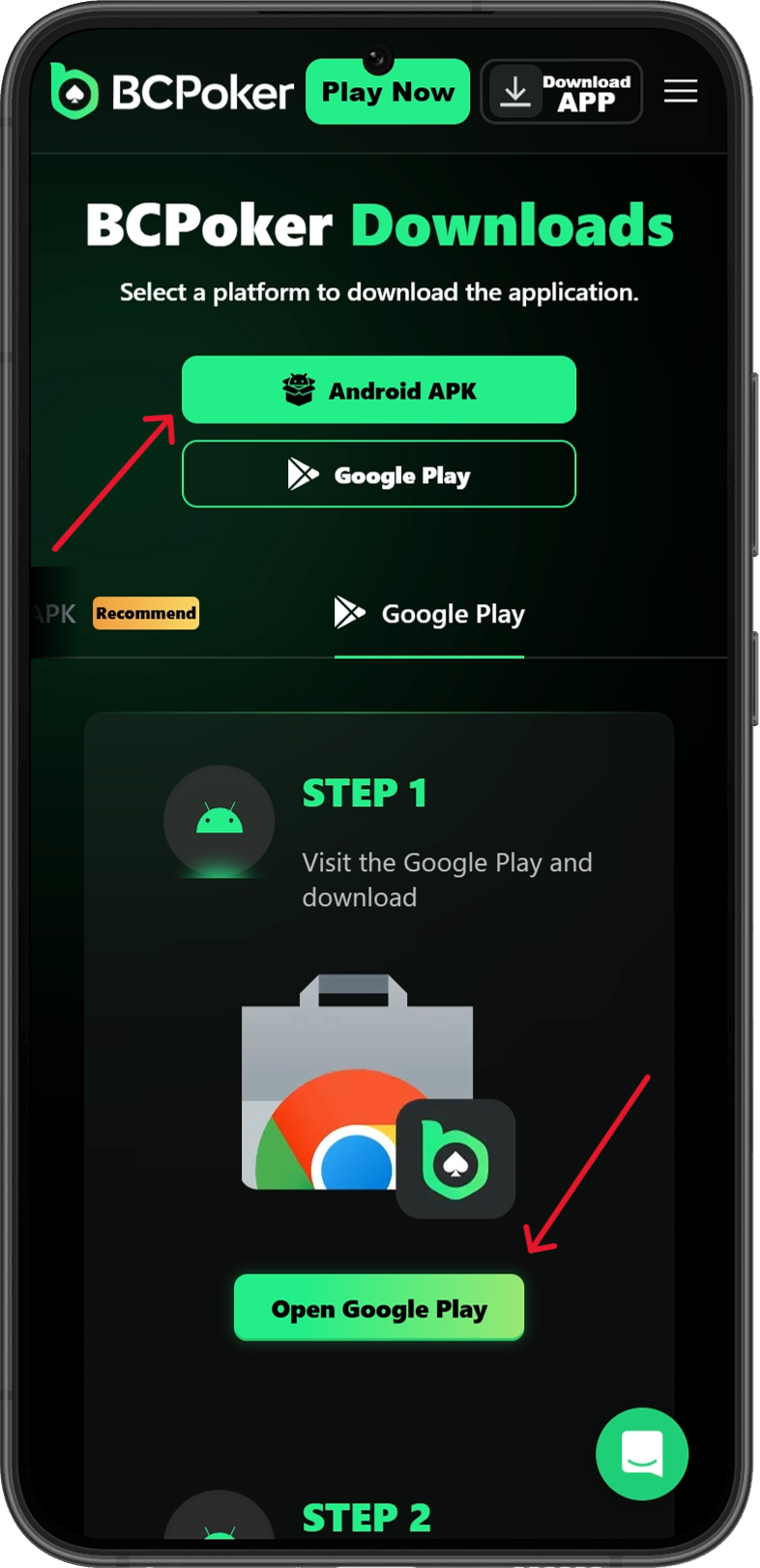
- 1. Go to the official page and choose the version for your system
- 2. Download the installer and save it
- 3. Run the file, finish the short setup (Windows may ask you to click More info then Run anyway), open the program and log in with your existing account