


Welcome to the cutting edge of portable gaming! As we move through 2026, the BC.Poker
mobile app has established itself as the top choice for crypto-focused poker fans. By
bypassing the hurdles of legacy banking, this application provides a high-performance
ecosystem where global tables and rapid payouts are accessible with a few clicks. Whether
you are grinding out a session at the cash tables or competing for glory in major events, this
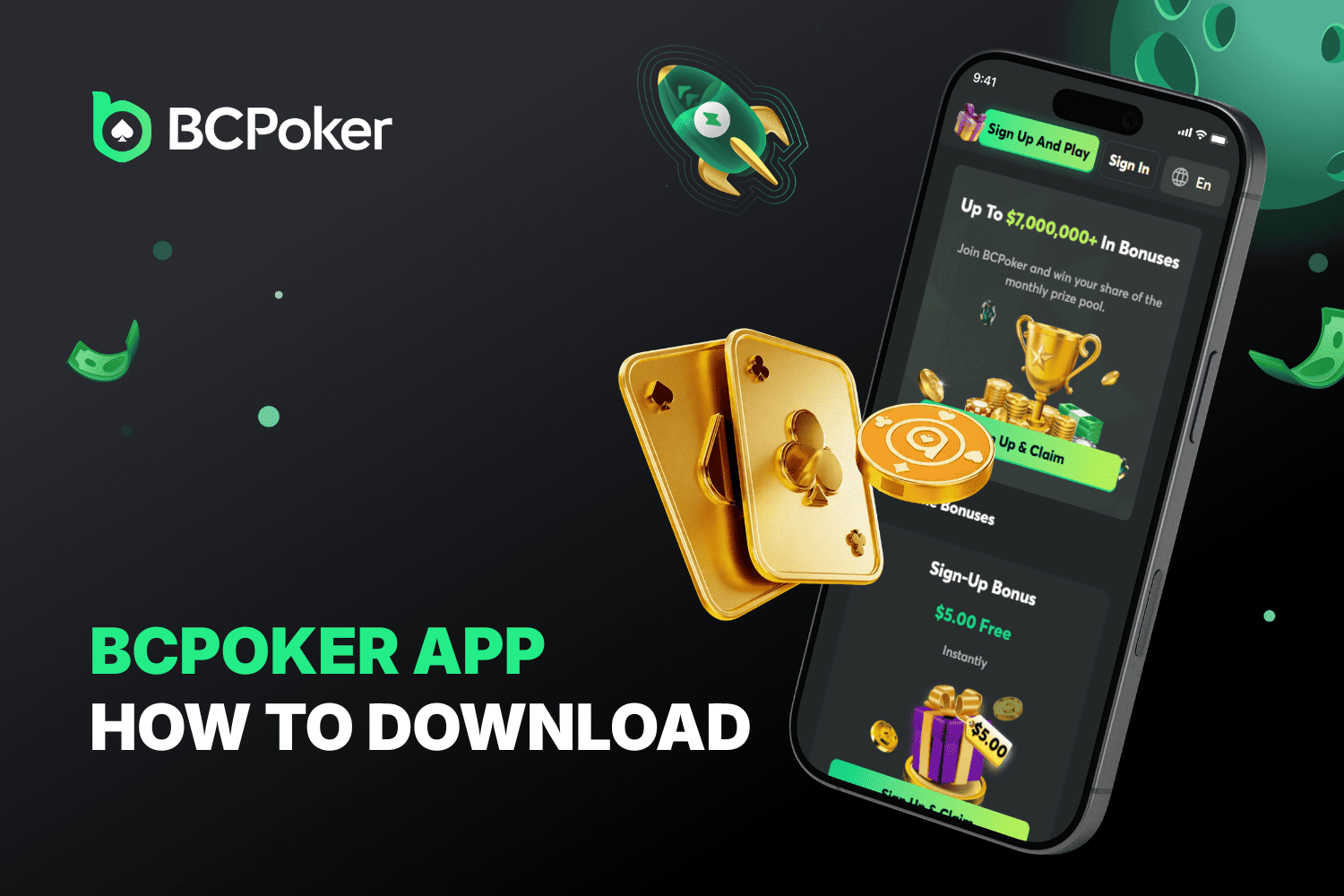
guide details the exact steps for the BC Poker download to help you secure a $5 starting
advantage.

Key Features of the BCPoker App
The BC.Poker app is a dedicated mobile branch of the network, built specifically for smooth, one-handed play. Unlike a basic mobile site, this is a native application designed for real stability and performance.
- Multi-Tabling Like a Pro
The BC.Poker mobile app lets you grind up to 4 tables at once without breaking a sweat. Thanks to the smart focus mechanic, the software automatically jumps to the table where it’s your turn to act, so you never miss a blind or a big decision. - One-Handed Navigation
The vertical UI is tailor-made for modern smartphones. You can bet, fold, and raise using just your thumb. This portrait design is perfect for playing on the move, keeping all the controls within reach while you focus on the cards. - Built-In Table Stats
Get an edge with features like Insurance on big pots to lower variance, or jump into high-action Bomb Pots. After your BC.Poker app login, you’ll also see VPIP and PFR for the current hand metrics right on the table interface, making it easy to read opponent styles in real-time. - Play on Any Device
Start your session on a desktop and finish it after a bc poker app download. Since everything is synced via the blockchain in real-time, your wallet and tournament progress stay updated no matter which device you use. - Easy Setup & Installation
If you are wondering how to download BC.Poker app, the process is straightforward. We offer a direct BCPoker apk download for those who need a BC.Poker download android version. For Apple users, the BC.Poker ios download ensures a perfect fit for iPhones and iPads.
Whether you need a bc poker download, a general BC.Poker download, or a specific bc poker app download for android, the software scales to your hardware for a lag-free experience. Getting your BC.Poker app download or BC.Poker download ios ready takes just a minute, letting you get straight to the action.
How to Download the BCPoker App on Android
Since real-money gaming software is often subject to regional blocks on the Play Store, performing a direct BC Poker apk download remains the most consistent method to access the full-featured platform.
- Go to the Source: Launch your mobile browser (Chrome works best) and head to the official BC.Poker portal.
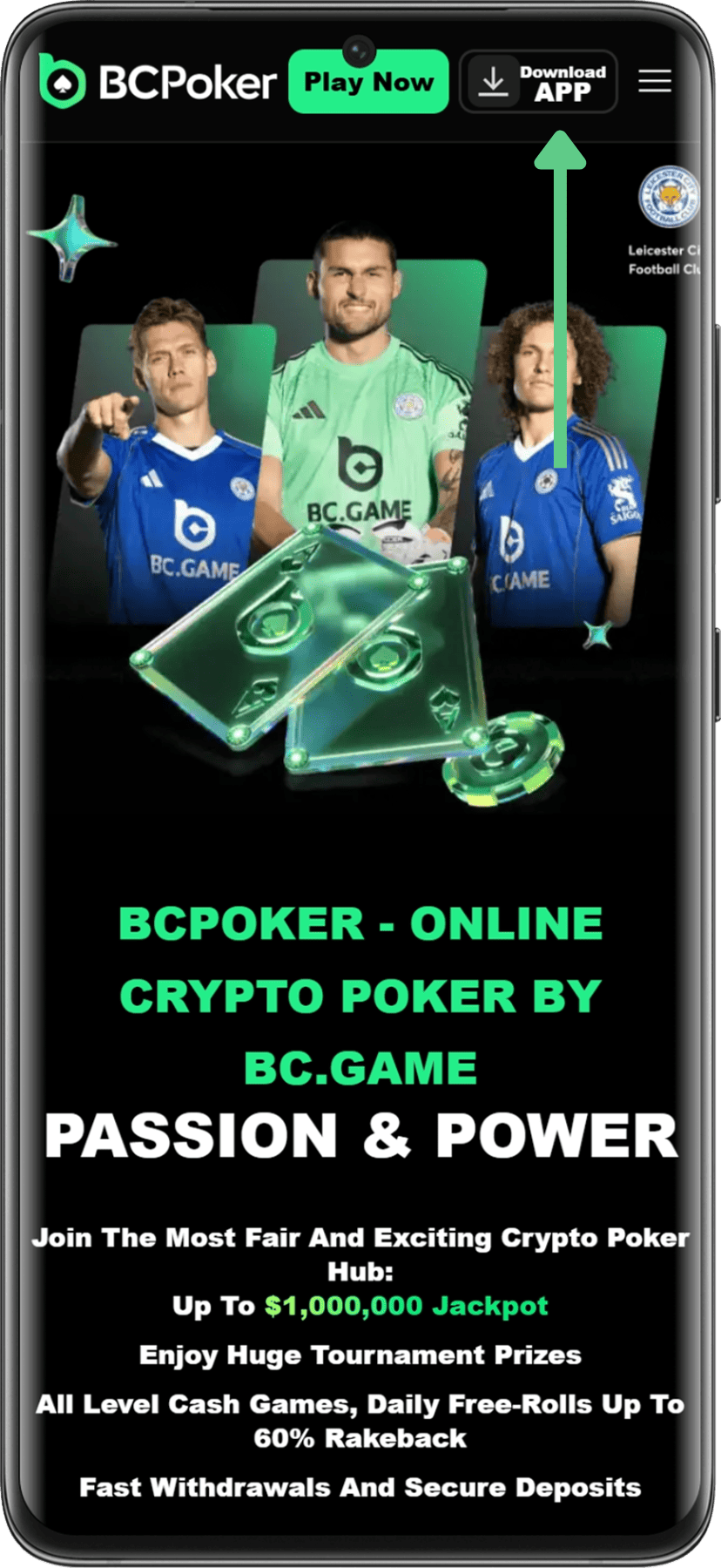
- Find the App Portal: Tap the App or Download shortcut, typically located in the main menu or the footer of the site.
- Start the BC Poker APK Download: Select the Download for Android option. If your browser warns you about files from untrusted sources, simply authorize the request. The file is roughly 25–30 MB and usually finishes in moments.
- Authorize External Installations: If this is your first APK, visit Settings > Security on your phone and toggle the permission for Install Unknown Apps specifically for your browser.
- Setup and Access: Find the file in your Downloads list and tap to install. Once the icon hits your screen, open the BC.Poker app login portal. New members can sign up to trigger a $5 app-exclusive bonus credited immediately to their balance.
How to Download the BCPoker App on iOS
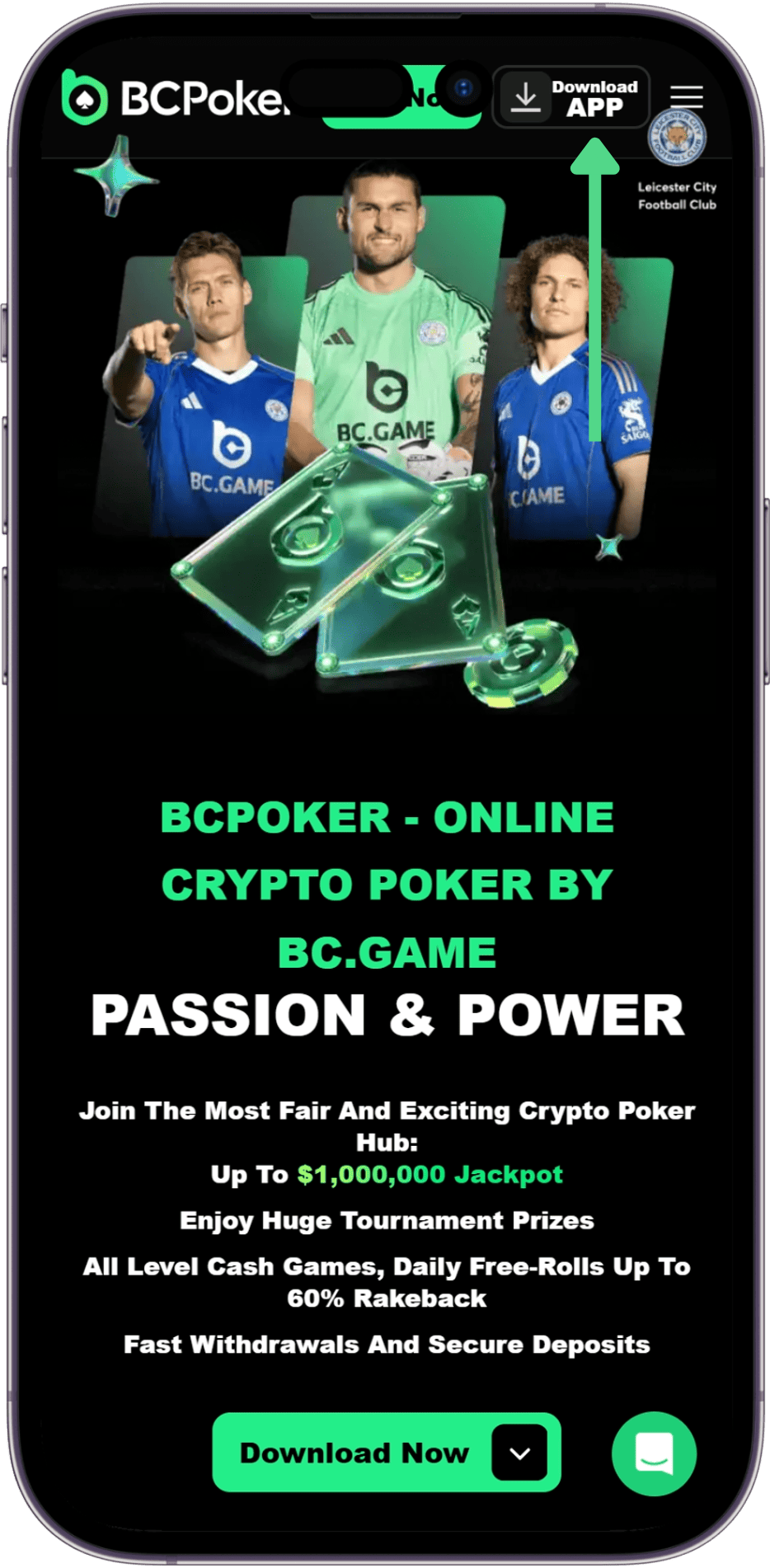
The BC.Poker ios download utilizes Progressive Web App (PWA) tech, which lets you skip the App Store and jump straight into a full-screen, premium interface that operates exactly like a native app.
- Visit BC.Poker: Open Safari on your Apple device and go to the official site.
- Tap the Share Icon: Look for the Share button (the square icon with the upward arrow) at the bottom of the Safari interface.
- Select Add to Home Screen: Scroll through the sharing options until you see Add to Home Screen and select it.
- Finalize the Setup: A confirmation window will show the BC.Poker branding. Tap Add in the corner. The shortcut will instantly appear on your home screen with your other applications.
- Biometric Entry: Open the app from your home screen. This PWA version hides the browser URL bar to maximize your view. You can also set up Face ID or Touch ID within the app for lightning-fast and secure access to your poker funds.

Is the BCPoker App Safe?
Security is the backbone of the BC.Poker app philosophy. The platform implements a high-tier security layer known as BC Shield to safeguard every pot and protect your digital wallet.
1. Security Features
The application employs heavy SSL encryption alongside Two-Factor Authentication (2FA) for account protection. The BC Shield protocol provides:



2. Fair Play and RNG
The platform replaces opaque systems with blockchain-backed transparency. Operating on a Provably Fair framework, it utilizes the KECCAK-256 hash.


3. Responsible Gaming
The BC.Poker mobile app includes a suite of player-first safety tools:



Common Download Issues
If you hit a snag during the BC.Poker download process, check these common fixes:
- Install Blocked (Android): This is usually a default security setting. Fix: Head to Settings > Security and grant your browser permission to Install from Unknown Sources.
- App Freezing or Lag: Often a result of low system resources or cache buildup. Fix: Clear the app’s cache in your settings and ensure your phone has at least 2GB of RAM free.
- IP Restriction Message: The system may think you are in a forbidden region. Fix: Disable any VPN that might be pointing to a restricted country like the US or UK.
- Icon Missing (iOS): Only Safari supports the PWA installation properly. Fix: Re-open the site specifically in Safari and repeat the Add to Home Screen steps.